Never getting lost in buildings again
Indoor navigation
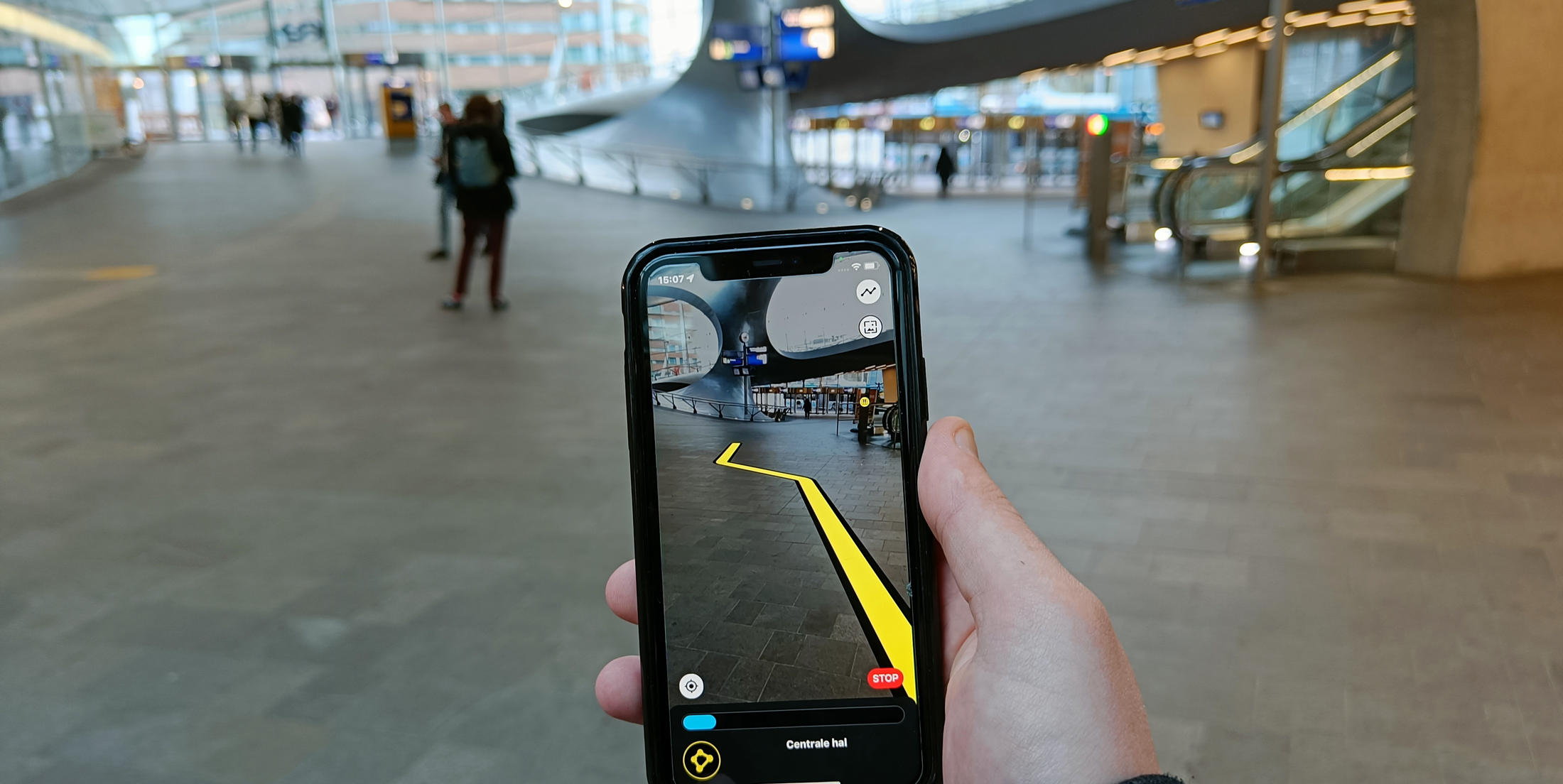
With the eZwayZ app, people easily navigate inside an unfamiliar location. The app does not use GPS, but works with visual positioning using the smartphone's camera and sensors. The app guides a user from the starting point to the desired destination with clear instructions.
Indoor navigation makes locations accessible. How does it work?
Navigate in your own way
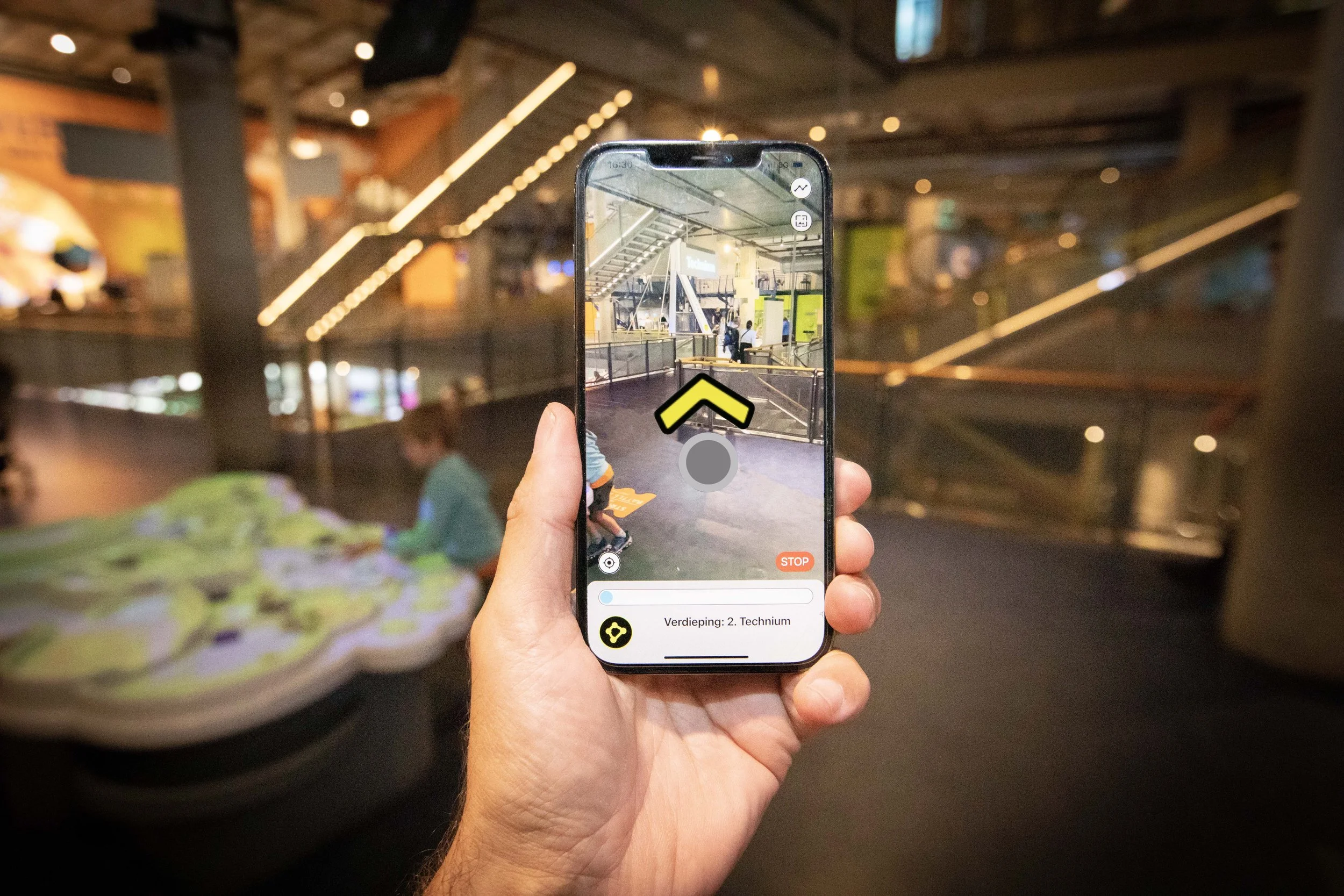
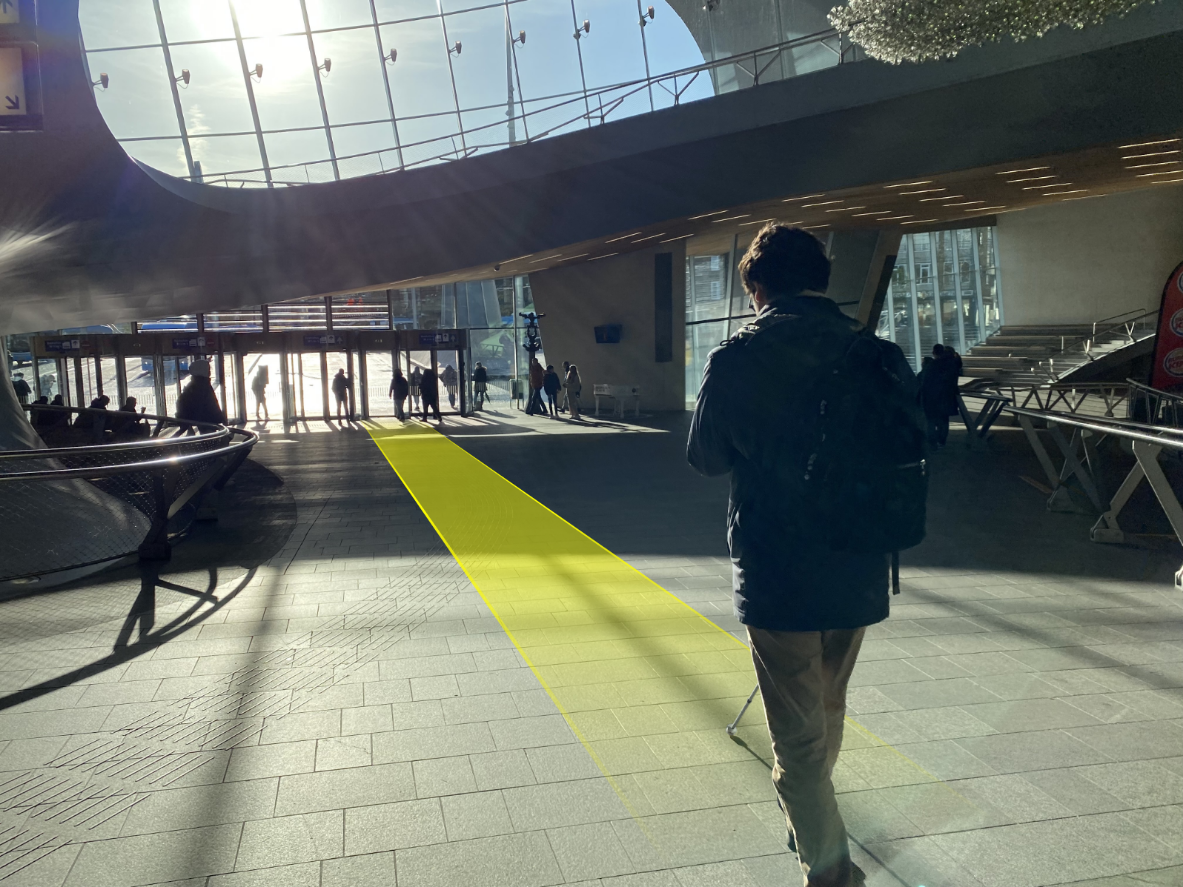
With a combination of dynamic visuals, vibrations and spoken instructions, the eZwayZ app guides you to your destination. Choose a high-contrast guide line, follow a breadcrumb trail of high-contrast circles or navigate as if you were playing a computer game. Images are enhanced with vibration and spoken instructions.

Discover and experience independently
The explore function gives you a 360-degree view of the space you are in. For example, in a museum, you can be read up on the works of art around you or discover a coffee shop at the train station that you can navigate directly to. Easily filter by categories that interest you.
Easy search
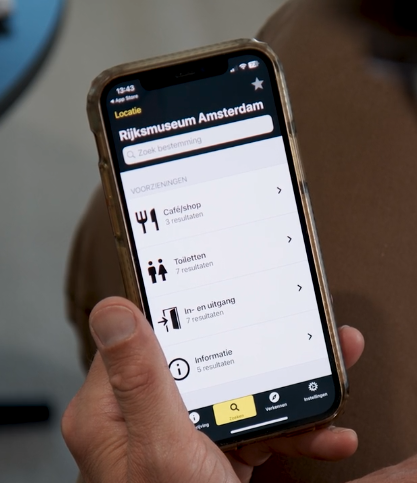
Finding your destination is easy by category or using the free search field. eZwayZ uses standardised categories so you can always easily find a toilet, an exit or an information desk. The app works seamlessly with Apple's voice-over and Android’s Talkback accessibility standard.
Accessibility and inclusivity.
What does that mean for your location?


Manage it yourself
As a customer, you get access to eZwayZ Cloud. With it, you manage the app yourself. You can position destinations and divide them into logical categories. You can manage navigation paths and adjust them temporarily if necessary. In the eZwayZ Cloud, you also manage the visitor module or the public transport module.
All in one app
The Visitors and Public Transport modules allow people to use only the eZwayZ app at your location. How that works. Read on below.